




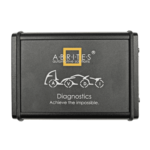
 Abrites AVDI J2534
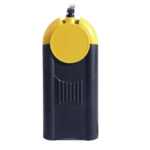 Actia Multi-Diag
 Autoland iSCAN
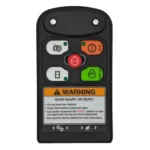 Bobcat Diagnostic Kit
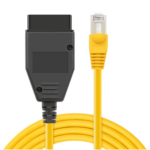 BMW ENET
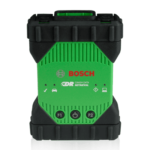 Bosch Mastertech II J2534
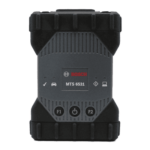 Bosch MTS 6531
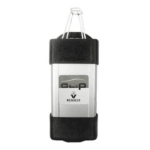 CAN CLIP RLT2002
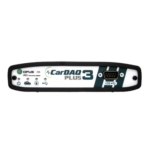 CarDAQ-Plus 3
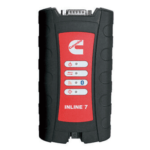 Cummins INLINE Datalink
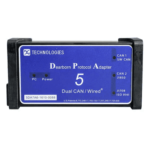 Dearborn Protocol Adapter (DPA) 5
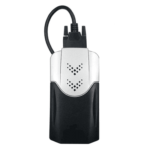 Delphi/Autocom DS150E
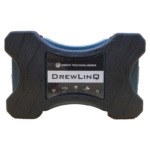 DrewLinQ
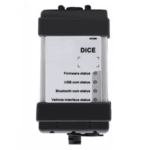 Volvo VIDA DiCE
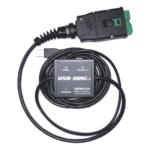 Derelek USB DIAG 3
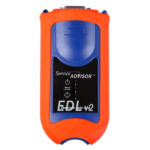 Electronic Data Link (EDL) 2
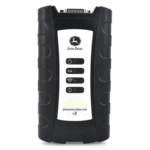 Electronic Data Link (EDL) 3
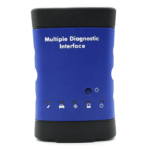 GM MDI 1
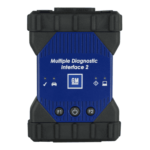 GM MDI 2
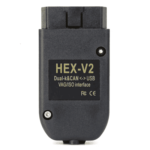 HEX-V2 VCDS VAG-COM
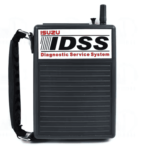 Isuzu IDSS IDS MX1
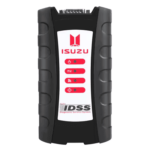 Isuzu IDSS IDS MX2
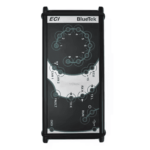 Iveco Eltrac E.A.SY. ECI
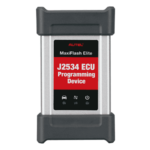 MaxiFlash Elite J2534
 MB Star C6
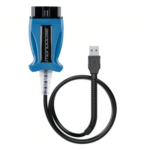 Mongoose J2534
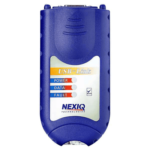 Nexiq USB-Link 1
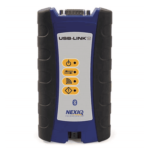 Nexiq USB-Link 2
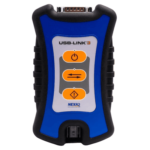 Nexiq USB-Link 3
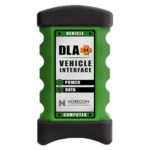 Noregon DLA+ 2.0
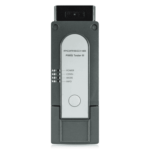 Porsche PIWIS TESTER 3 (PT3G)
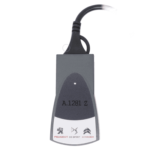 PSA LEXIA 3
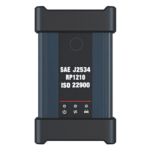 SAE J2434
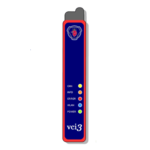 Scania VCI 3
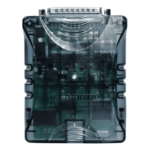 Scanmatik 2 PRO
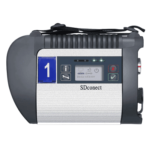 SD Connect Multiplexer
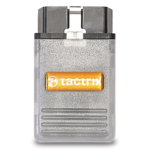 Tactrix OpenPort 2.0
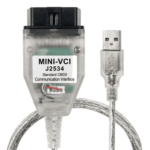 Toyota TIS Mini VCI
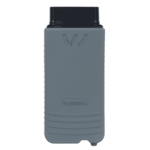 VAG ODIS VAS5054 Clone
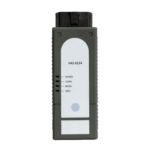 VAG ODIS VAS6154 Clone
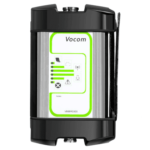 Volvo VOCOM 1
 Volvo VOCOM 2
 Xentry VCI
 Yanmar Diagnostic Interface Box (IFBOX)




maximum supported version. Cross-version upgrades are not possible due to Porsche hardware restrictions. The update is delivered in original Porsche format and is intended for professional or advanced users familiar with PCM update procedures.
Technical Highlights
Updates the PCM 3.1 firmware to the latest supported version per hardware
Improved Bluetooth connectivity and reliability
Enhanced PCM system stability and performance
Includes official North American map updates where supported
Original Porsche firmware structure (aftermarket distribution)
Automatic update recognition via PCM head unit
Supports DVD-based and Engineering Menu USB update methods
Firmware Compatibility
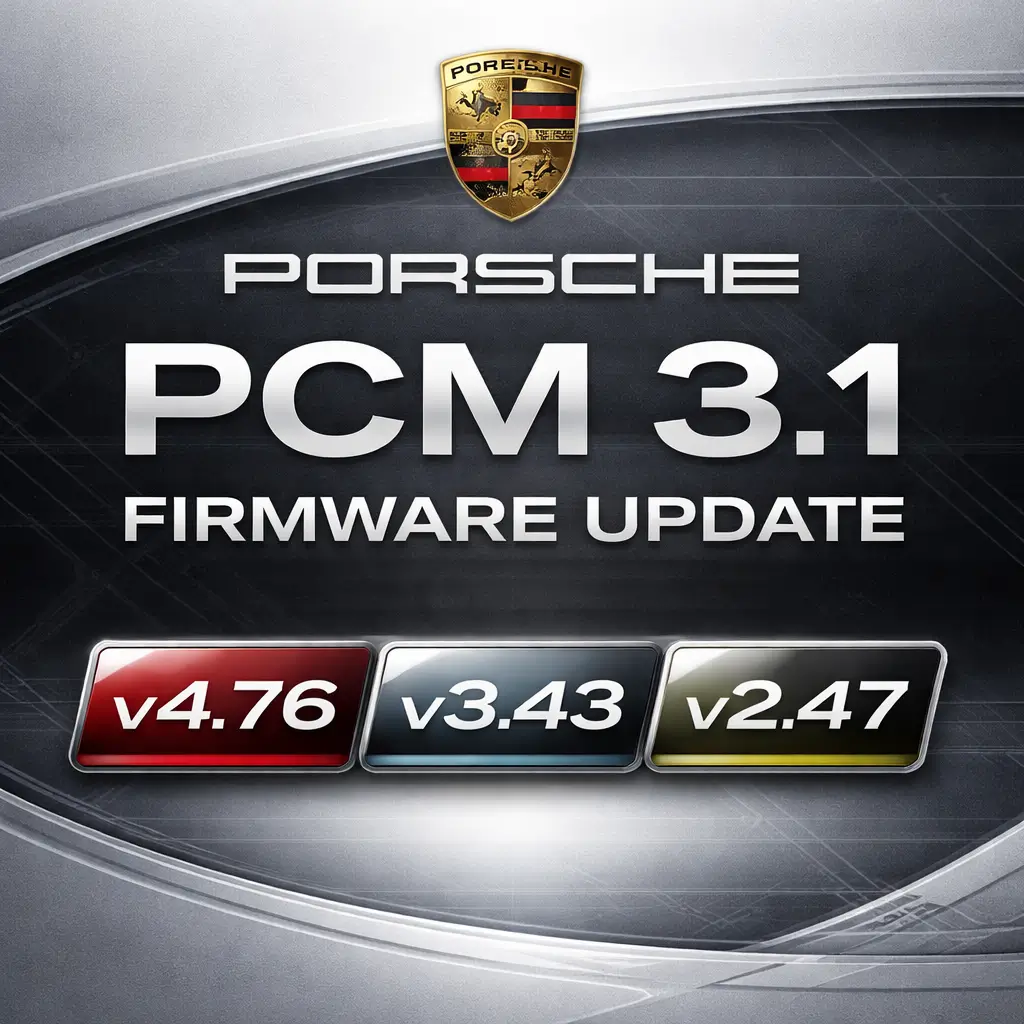
PCM 3.1 v2.xx → max v2.47
PCM 3.1 v3.xx → max v3.43
PCM 3.1 v4.xx → max v4.76
⚠️ Important Notes
PCM units running v2.xx or v3.xx cannot be upgraded to v4.76
Some PCM units manufactured prior to 2012 cannot update to v4.76
UK PCM units labeled 9612 do not support v4.xx firmware
UK PCM units labeled 9633 (from Nov 2012 onward) support v4.xx and jukebox functionality
Hardware & Software Matrix
| PCM 3.1 Software Level | HW Version 1 | HW Version 2 | HW Version 3 | HW Version 4 |
|---|---|---|---|---|
| SW Level 1.35 | 2010 | |||
| SW Level 2.47 | 2010–2012 | |||
| SW Level 3.43 | 2012–2013 | |||
| SW Level 4.76 | 2013– |
Supported PCM 3.1 Part Numbers
PCM31ARB300
PCM31ARB400
PCM31CHN100
PCM31CHN150
PCM31CHN200
PCM31CHN250
PCM31CHN300
PCM31CHN350
PCM31CHN400
PCM31LOW400
PCM31RDW100
PCM31RDW200
PCM31RDW300
PCM31RDW400
Compatible Vehicles
Porsche 911 (991) – 2012–2016
Panamera – 2010–2016
Macan – 2014–2016
Cayenne E2 – 2010–2014
Cayenne E2 Facelift – 2014–2017
Boxster 981 – 2012–2016
Cayman 981C – 2014–2016
Installation Requirements
Verify PCM 3.1 hardware by pressing SOURCE + INFO
Engineering Menu access required for USB update
(Check via SOURCE + SOUND)Fully charged battery or vehicle running
A battery charger is recommended for voltage stability
Verbatim DVD-R media recommended for ISO burning
Update Procedure Overview
Burn ISO to a Verbatim DVD-R (CDRTFE recommended)
Ensure stable power (charger connected or engine running)
Insert the disc into the PCM head unit
Confirm update when prompted
Do not interrupt the update (15–25 minutes)
System restarts automatically upon completion
⚠️ Interrupting the update may cause emergency boot mode
Limitations & Disclaimers
Firmware updates do not bypass hardware limitations
Map updates depend on the region and PCM support
Update performed at the user’s own risk
Original Porsche software supplied on aftermarket media


Reviews
Clear filtersThere are no reviews yet.