




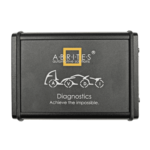
 Abrites AVDI J2534
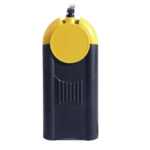 Actia Multi-Diag
 Autoland iSCAN
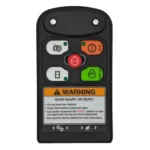 Bobcat Diagnostic Kit
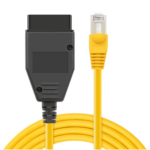 BMW ENET
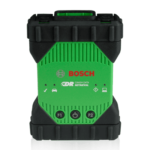 Bosch Mastertech II J2534
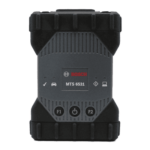 Bosch MTS 6531
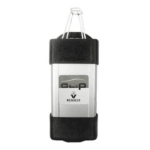 CAN CLIP RLT2002
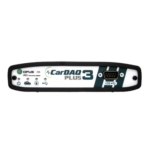 CarDAQ-Plus 3
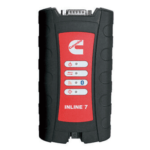 Cummins INLINE Datalink
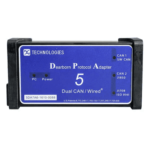 Dearborn Protocol Adapter (DPA) 5
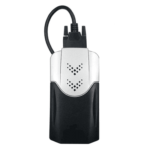 Delphi/Autocom DS150E
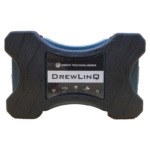 DrewLinQ
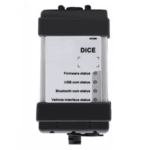 Volvo VIDA DiCE
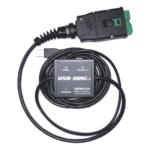 Derelek USB DIAG 3
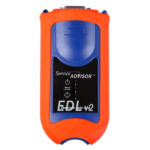 Electronic Data Link (EDL) 2
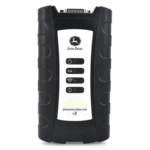 Electronic Data Link (EDL) 3
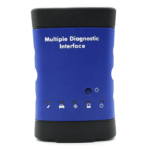 GM MDI 1
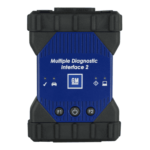 GM MDI 2
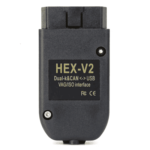 HEX-V2 VCDS VAG-COM
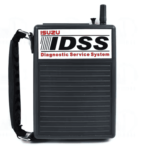 Isuzu IDSS IDS MX1
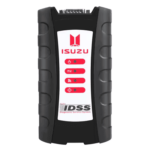 Isuzu IDSS IDS MX2
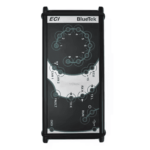 Iveco Eltrac E.A.SY. ECI
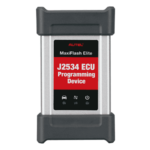 MaxiFlash Elite J2534
 MB Star C6
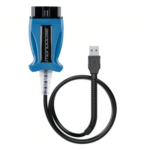 Mongoose J2534
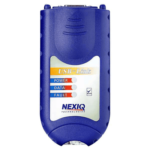 Nexiq USB-Link 1
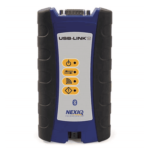 Nexiq USB-Link 2
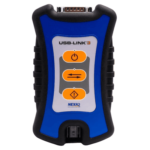 Nexiq USB-Link 3
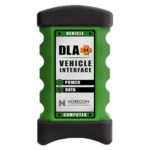 Noregon DLA+ 2.0
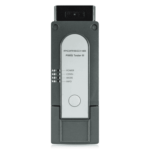 Porsche PIWIS TESTER 3 (PT3G)
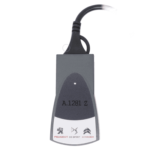 PSA LEXIA 3
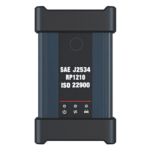 SAE J2434
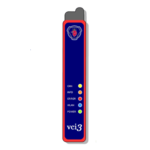 Scania VCI 3
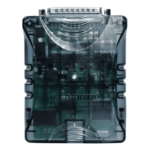 Scanmatik 2 PRO
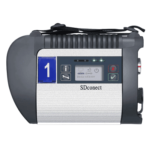 SD Connect Multiplexer
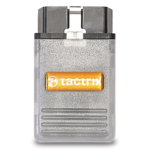 Tactrix OpenPort 2.0
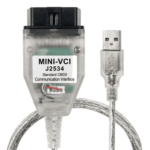 Toyota TIS Mini VCI
 VAG ODIS VAS5054 Clone
 VAG ODIS VAS6154 Clone
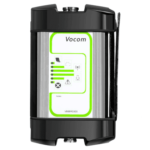 Volvo VOCOM 1
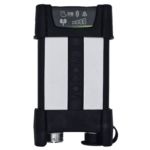 Volvo VOCOM 2
 Xentry VCI
 Yanmar Diagnostic Interface Box (IFBOX)






Audi MMI 3G High (HNav) Europe Navigation Maps update with the activation script and latest firmware.
Release: 2021
Maps version: v6.32.1
Firmware version: K0257
Part number: 8R0060884HQ
Compatible units: HNav_EU_XXXX**_1_D1
Supported Audi models:
- A4 Sedan
- A4 Avant
- A4 Allroad Quattro
- S4 Sedan
- S4 Avant
- A5 Coupé
- S5 Coupé
- RS5 Coupé
- A5 Sportback
- S5 Sportback
- A5 Cabriolet
- S5 Cabriolet
- A6 Sedan
- A6 Avant
- A6 Allroad Quattro
- S6 Sedan
- S6 Avant
- RS6 Sedan
- RS6 Avant
- A8
- S8
- Q5
- Q7
Supported languages: Deutsch, English, French, Spanish, Italian, Portuguese, Dutch, Russian, Polski, Cestina, Turkish, Svenska.
Regions coverage: Albania, Andorra, Austria, Belarus, Belgium, Bosnia-Herzegovina, Bulgaria, Croatia, Czech Republic, Denmark, Estonia, Finland, France, FYR Macedonia, Germany, Gibraltar, Great Britain, Greece, Hungary, Iceland, Ireland, Italy, Kosovo, Latvia, Liechtenstein, Lithuania, Luxembourg, Malta, Moldova, Monaco, Montenegro, Netherlands, Norway, Poland, Portugal, Romania, Russia, San Marino, Serbia, Slovakia, Slovenia, Spain, Sweden, Switzerland, Ukraine, Vatican.
What’s included?
- “HNav_EU_K0257_6_D1” Firmware update
- Audi High maps
- Maps activator script
- Additional useful tools
- Enable green menu feature
- FSC remove if 03623 fault code
- Hidden menu script
- MMI 3G software version management error tool
- Software management checking tool
Installation process:
- Update the firmware:
- Format the SD card to the FAT32 file system.
- Put the “01-Firmware” folder content in the root of the SD card then insert it into the head unit.
- Navigate to the engineer menu ([SETUP] + [RETURN]) then start the update in [STANDARD] mode.
- Update the map:
- Format the SD card to the FAT32 file system.
- Put the “02-Maps” folder content in the root of the SD card then insert it into the head unit.
- Navigate to the engineer menu ([SETUP] + [RETURN]) then start the update in [STANDARD] mode.
- Activation:
- Format the SD card to the FAT32 file system.
- Put the “03-Activator” folder content in the root of the SD card then insert it into the head unit.
- Navigate to the engineer menu ([SETUP] + [RETURN]) then start the update in [STANDARD] mode.
Important: never interrupt the update process no matter how long it’ll take.
Delivery:


Jacey Duijm –
excellent service
Mattia –
Molto bene, consiglio sia il prodotto che il servizio!
I*** –
schneller, unkomplizierter Download. super